Add an Xtream Codes login on Apple TV and iPhone
Many IPTV providers send an Xtream Codes login instead of a playlist link. Interlace takes it directly: three fields, and your channels, guide and on-demand catalogue load from the provider.

Before you start
- No Plex needed. Interlace works with IPTV alone; a Plex server is optional.
- Your Xtream Codes login: the server address with its port, a username and a password, as sent by your provider.
- Interlace doesn’t provide any channels — you bring your own IPTV provider and playlist.
Add Xtream IPTV on iPhone
- Install Interlace and tap “Get started”. No Plex? Tap “Skip — I don't use Plex” on the Plex step. Using Plex too? Tap “Sign in with Plex” and enter the code at plex.tv/link.
- On “Add your own IPTV”, switch to “Xtream Codes”.
- Enter “Server URL (http://host:port)”, “Username” and “Password” exactly as your provider sent them.
- Tap “Connect”. Interlace checks the login and loads your channels.
- Skip the optional Seerr step if you don’t use it, then tap “Enter Interlace”.
Already using Interlace? Add the login later under Settings › IPTV. On iPhone tap your profile picture at the top of Home; on iPad and Mac use the gear button; on Apple TV open the Settings tab.
On Apple TV
Open the Settings tab, go to IPTV, choose “Xtream Codes” and fill in the same three fields. Or skip the typing: set it up on your iPhone with “iCloud sync” on, and choose “Sync from iCloud” the first time you open Interlace on the TV.
What the login brings in
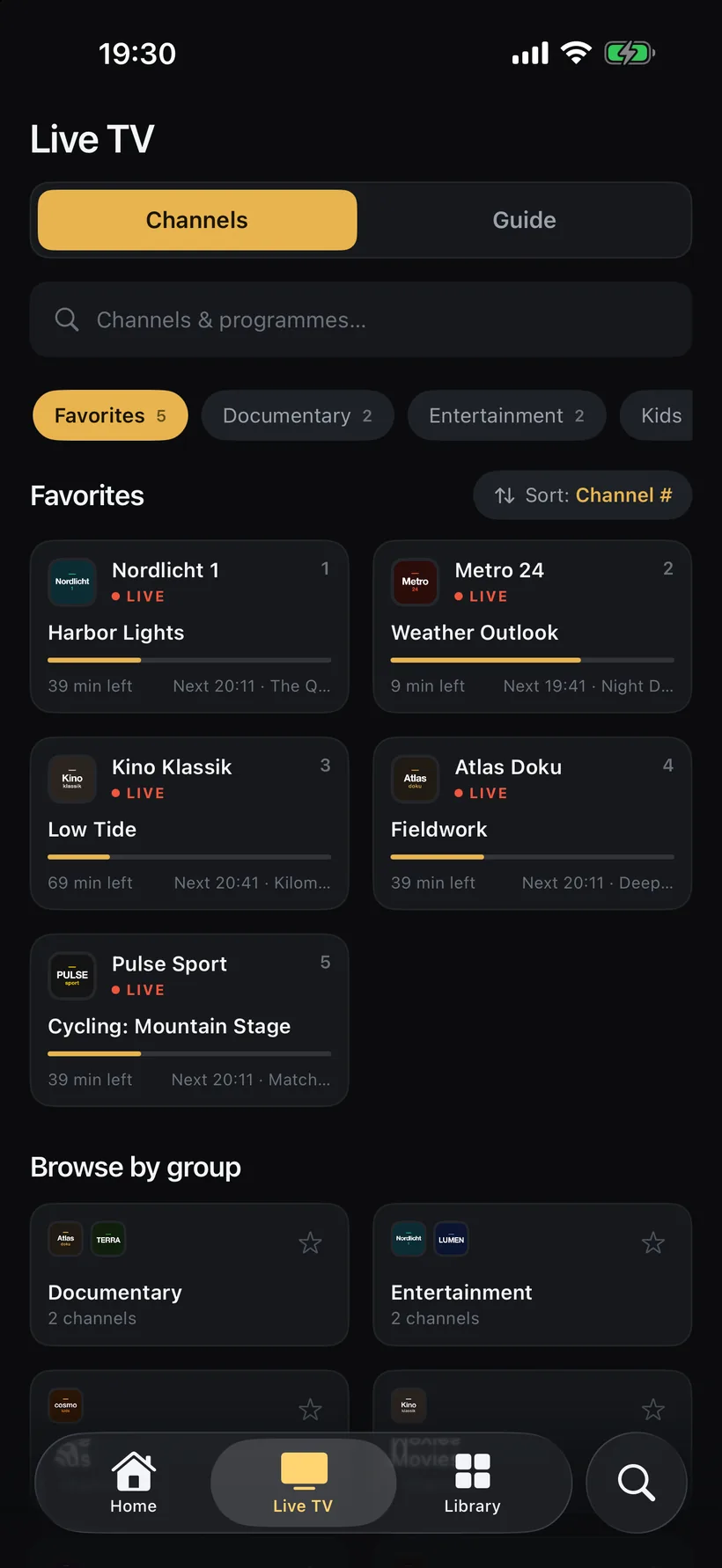
- Live channels in your provider’s categories, shown as groups in Live TV.
- The provider’s programme guide, loaded with the login — no separate XMLTV address needed. For channels it misses, add a feed under “Additional EPG URLs (optional)”.
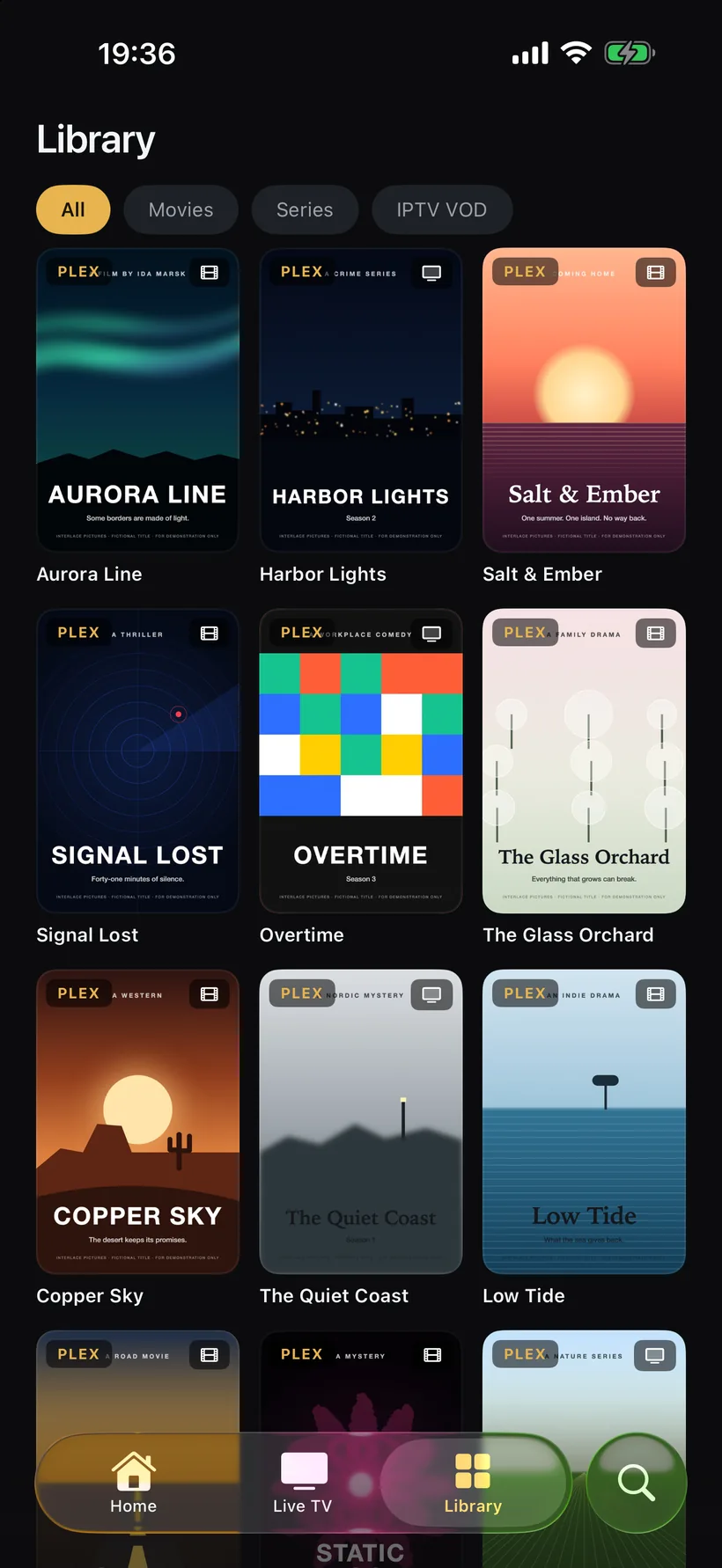
- Films and series from the provider’s catalogue, if your panel offers them: in the Library under IPTV VOD and in the “IPTV · Video-on-Demand” row on Home. Switch off “Video-on-demand” to hide them.
- Catch-up on channels your provider archives, once you switch on “Catch-up & replay”.
Fine-tuning
Settings › IPTV also has “Streams at once” (match your plan’s connection limit), “Stream format” — Automatic, HLS or MPEG-TS; if channels drop out, try MPEG-TS — and “User agent” for providers that only let certain players in.
FAQ
01What do I enter as Server URL?
The address and port your provider gave you, in the form http://host:port (or https:// if your provider uses it).
02Do I need a separate EPG URL with Xtream Codes?
Usually not: the guide comes from your provider with the login. “Additional EPG URLs (optional)” fills channels the provider guide doesn’t cover, matched by channel name.
03Does my login reach my other devices?
With iCloud sync on, servers, playlists and favourites follow you to your other devices via iCloud. On Apple TV, choose “Sync from iCloud” on first launch.
04Does Interlace sell Xtream subscriptions?
No. Interlace is a player and doesn’t provide any channels. You use the login from your own IPTV provider.
Three fields, and you’re watching.
Free for 14 days. Then 14,99 € a year or 39,99 € once — one purchase for iPhone, iPad, Apple TV and Mac, Family Sharing included.